DCA – Diploma in Computer Application: Complete Course (Hindi)
Learn computer basics, MS Office, Access, internet and email from zero — and get office-ready
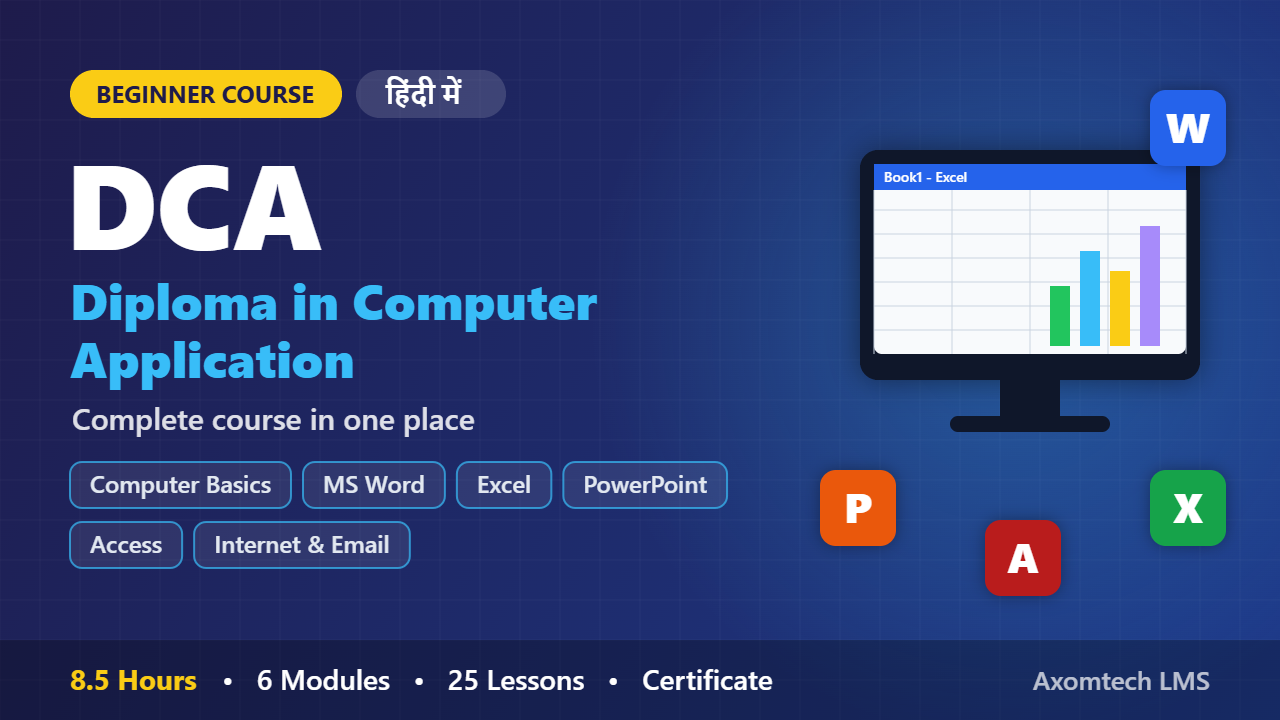
- 25 lessons · 8.8 hours
- Access for 365 days
- Learn on mobile & desktop
- Certificate of completion
- Language: Hindi
What you'll learn
- Understand computer fundamentals: hardware, software, input and output devices and the CPU
- Use Windows confidently: files, folders, shortcuts, settings and installing software
- Create and format professional documents in MS Word
- Use tables, headers and footers, table of contents and mail merge in Word
- Build and format spreadsheets in MS Excel
- Use Excel formulas, sort and filter, pivot tables and charts
- Design presentations with animations and transitions in PowerPoint
- Create a database with tables, forms, queries and reports in MS Access
- Understand network types, topologies and common protocols
- Use the internet, browsers and search engines effectively
- Create an email account and send and manage emails
This course includes
Course content
6 modules · 25 lessons · 2 free previewsWho this course is for
Requirements
- A laptop or desktop computer with Windows
- MS Office installed (Word, Excel, PowerPoint and Access)
- An internet connection
- No prior computer knowledge needed
Description
This beginner-friendly DCA (Diploma in Computer Application) course teaches you everything you need to use a computer confidently at work, step by step in Hindi. Every topic is shown live on screen, so you can practise alongside the videos.
Course modules:
1. Computer Fundamentals and Windows – what a computer is, hardware and software, input and output devices, CPU, mouse and keyboard, files and folders, Control Panel and settings, installing software, using a browser
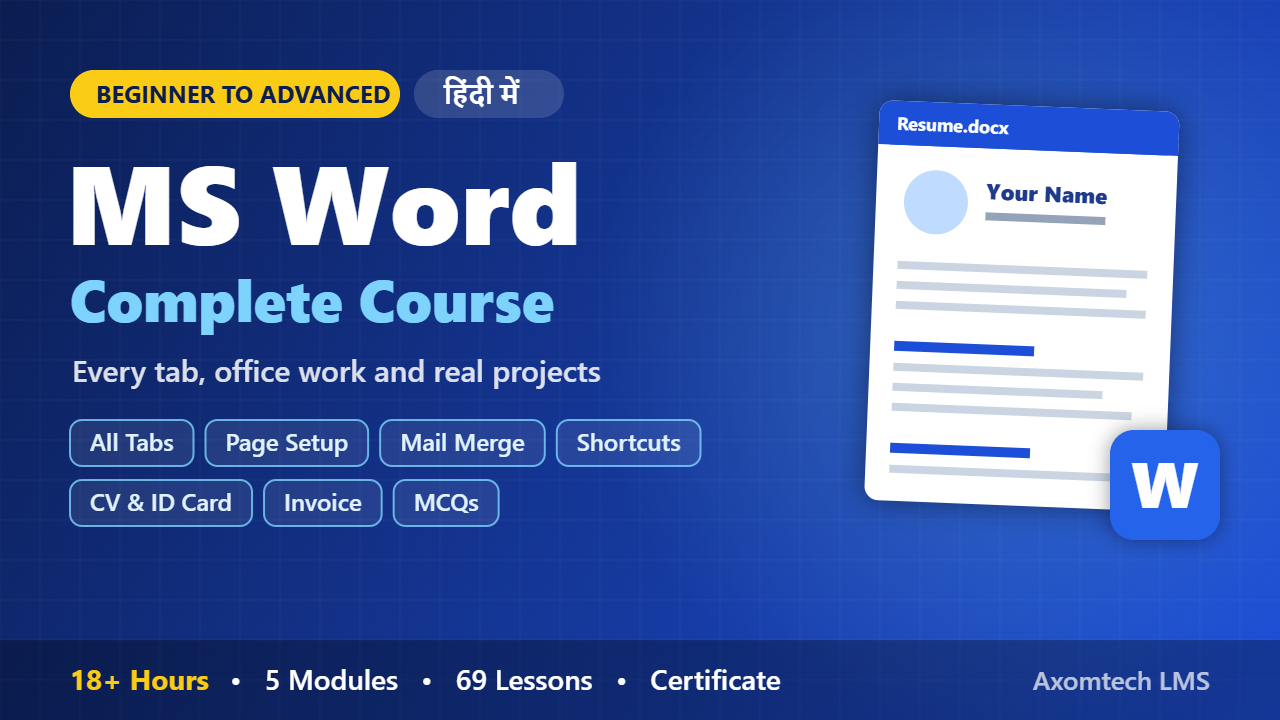
2. MS Word – interface, saving and password protection, text formatting, lists and styles, find and replace, tables, SmartArt, charts, hyperlinks, comments, headers and footers, page layout, columns and breaks, table of contents, mail merge, spelling and grammar, macros
3. MS Excel – interface, cells, rows and columns, data entry, formatting and number formats, conditional formatting, sheets, formulas and functions, fill series, sort and filter, pivot tables, charts, hyperlinks, data validation, comments and freeze panes
4. MS PowerPoint – templates and themes, slide layouts, text, shapes, pictures and icons, charts, hyperlinks and actions, audio and video, transitions, animations and slide show options
5. MS Access – databases, tables and data types, entering records, forms, queries and reports
6. Networking, Internet and Email – types of network, topologies and protocols, the internet and WWW, browsers and search engines, creating a Gmail account and sending email
By the end of the course you will be able to handle everyday computer, office and internet work with confidence.
Why learn with this course?
Free videos teach bits and pieces. This course takes you from start to finish, with help along the way.
What happens after you enroll
Earn a verified certificate
- Issued automatically when you finish all lessons
- Unique code & QR that anyone can verify online
- Add it to LinkedIn or print it for interviews
Frequently asked questions
Start DCA – Diploma in Computer Application: Complete Course (Hindi) today
Learn practical skills you can use at work. Your first lesson can start in the next few minutes.
Have questions about this course?
Share your number and we'll call you to explain the syllabus, fees and schedule.