Skip to content

MS Word Complete Course: Tab by Tab, Office Work and Projects (Hindi)

Master every tab of MS Word, handle real office work and build practical projects like a CV, ID card and tax invoice
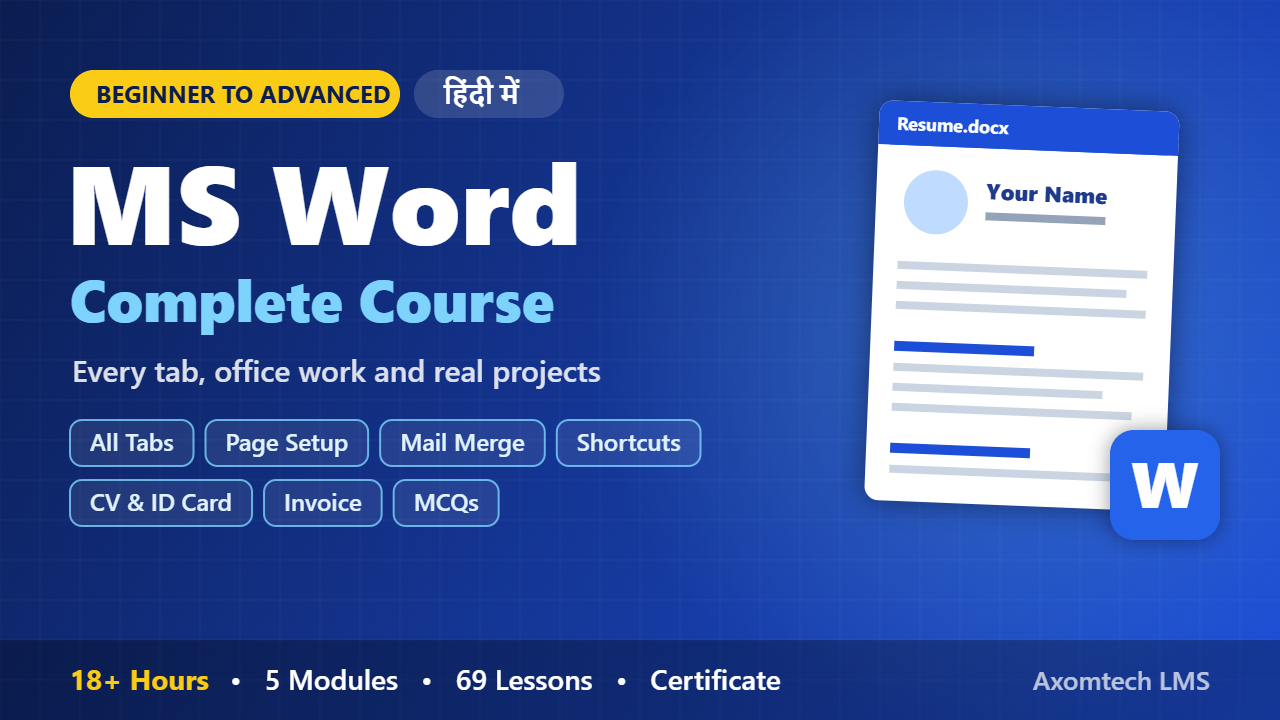
All levels Hindi 18+ hours · 5 modules · 69 lessons Updated Nov 2026
Offered by Axomtech LMS
Instant access Verified certificate Learn on mobile Doubt support
Free
Enroll for free Talk to a counsellor
This course includes
  • 69 lessons · 18.8 hours
  • Lifetime access
  • Learn on mobile & desktop
  • Certificate of completion
  • Language: Hindi

What you'll learn

  • Use every tab of MS Word with confidence
  • Set up pages: margins, size, orientation, indents, spacing and the ruler
  • Add headers, footers, page numbers, watermarks, borders and a table of contents
  • Create and format tables, charts and shapes
  • Use mail merge to create letters and labels
  • Work faster with shortcuts, Advanced Find, hyperlinks and hidden features
  • Protect documents and convert PDF files to Word
  • Use AI tools like ChatGPT with MS Word
  • Design real documents: resume, ID card, certificate, visiting card, pamphlet, banner and tax invoice
  • Prepare for exams and interviews with MS Word MCQs

This course includes

69 lessons · 18.8 hours
Lifetime access
Learn on mobile & desktop
Certificate of completion
Language: Hindi
Lesson Q&A with the instructor
Instant access & invoice

Course content

5 modules · 69 lessons · 2 free previews

File Tab 20m
Home Tab (Part 1 of 2) 26m
Home Tab (Part 2 of 2) 26m
Insert Tab (Part 1 of 3) 26m
Insert Tab (Part 2 of 3) 26m
Insert Tab (Part 3 of 3) 26m
Design Tab 14m
Page Layout Tab 25m
References Tab 26m
Mailings Tab 21m
Review Tab 22m
View Tab 21m
Bulleted, Numbered and Multilevel Lists 15m
Tables with Design and Layout Tabs (Part 1 of 2) 17m
Tables with Design and Layout Tabs (Part 2 of 2) 17m
Charts with Design and Format Tabs 13m
Shapes with the Format Tab 24m

Insert Tab: Pages, Table and Illustration Tools 16m
Page Layout Tools: Margins, Size, Indent, Spacing and Arrange 28m
Mail Merge and Labels 24m
Review and View Tabs in Practice 23m
Using the Ruler for Page Setup 6m
Page Margins: Normal, Narrow and Custom 7m
Page Setup with Examples 15m
Page Design: Watermark, Page Colour and Border 14m
Header, Footer and Page Numbers 14m
Page-wise Headers and Hidden Header & Footer Features 7m
Table of Contents Like a Book Index 11m
Tables: Insert, Delete, Merge, Split and Format (Part 1 of 2) 15m
Tables: Insert, Delete, Merge, Split and Format (Part 2 of 2) 15m
MS Word for Office Work: Spacing, Margin, Table and List 23m
MS Word for Office Work: Spacing, Margin, Table, Border, Watermark and Page Setup (Part 1 of 2) 23m
MS Word for Office Work: Spacing, Margin, Table, Border, Watermark and Page Setup (Part 2 of 2) 23m
MS Word Office Work and Interview Tips (Part 1 of 3) 28m
MS Word Office Work and Interview Tips (Part 2 of 3) 28m
MS Word Office Work and Interview Tips (Part 3 of 3) 28m

Advanced Find 14m
Internal and External Hyperlinks 9m
Protect and Restrict Editing 7m
5 Best Word Formulas for an Invoice 11m
Top 5 MS Word Secrets 13m
5 Powerful MS Word Tricks 11m
A–Z Time-saving Shortcuts 17m
Powerful Shortcut Keys for Office Work 10m
Delete a Blank Page 5m
Watermark Easy Tricks 4m
Convert PDF to Word 4m
MS Office 365 for Free 6m
Using ChatGPT (AI) with MS Word 6m
Using AI with MS Word 365 13m

Professional CV / Resume 18m
Modern Resume Design 23m
Assignment in MS Word 16m
ID Card 13m
School ID Card 15m
Registration Form 22m
Certificate Design 15m
Visiting Card 11m
Wedding Card 14m
Pamphlet Design 20m
Banner Design 20m
Tax Invoice 18m
Labels and Stickers 8m
OMR Sheet 4m
Notebook Page 5m

Top 20 MS Word MCQs 8m
Top 20 Advanced MS Word MCQs 6m
MS Word MCQs: Top 20 Questions and Answers 21m
100 Computer MCQs for Competitive Exams 25m

Who this course is for

Students who want practical MS Word skills
Job seekers preparing for office, data entry or computer operator jobs
Students preparing for DCA, CCC or similar computer exams
Working professionals and shop owners who make documents, cards and invoices

Requirements

  • A laptop or desktop computer with Windows
  • MS Word (2013 or later, or Office 365) installed
  • Basic computer knowledge (using a mouse and keyboard)

Description

This course takes you from your first Word document to professional office work. Every lesson is a practical, on-screen demonstration in Hindi.

Course modules:
1. MS Word Tab by Tab – the File, Home, Insert, Design, Page Layout, References, Mailings, Review and View tabs, plus lists, tables, charts and shapes
2. Page Setup and Office Work – margins, page size, indents and spacing, the ruler, headers and footers, page numbers, watermarks and borders, tables, table of contents, mail merge and labels, and real office-work sessions with interview tips
3. Tips, Shortcuts and Advanced Features – Advanced Find, hyperlinks, protecting documents, formulas, hidden features and tricks, A–Z shortcuts, converting PDF to Word, Office 365 and using AI (ChatGPT) with Word
4. Practical Projects – a CV and modern resume, assignment, ID cards, registration form, certificate, visiting card, wedding card, pamphlet, banner, tax invoice, labels, OMR sheet and notebook page
5. MCQs and Exam Practice – MS Word and computer MCQs for exams and interviews

By the end of the course you will be able to create any document you need at work, quickly and professionally.

Why learn with this course?

Free videos teach bits and pieces. This course takes you from start to finish, with help along the way.

This courseFree videos online
Step-by-step syllabus, start to finish
Ask doubts under every lesson
Progress tracking, resume where you stopped
Verified certificate with QR code
No ads, no distractions

What happens after you enroll

1
Sign up free
Create your free account in seconds.
2
Get instant access
The course unlocks right away in My Learning.
3
Learn at your pace
Watch on phone or laptop and ask doubts under any lesson.
4
Get certified
Finish the lessons and download your verified certificate.

Earn a verified certificate

  • Issued automatically when you finish all lessons
  • Unique code & QR that anyone can verify online
  • Add it to LinkedIn or print it for interviews

Frequently asked questions

No. The first module goes through every tab step by step.

Mostly Word 2013, with some lessons in newer versions and Office 365. Most options work the same in all versions.

Yes. Module 4 has 15 projects, including a resume, ID card, certificate, banner and tax invoice.

The course is taught in Hindi.

Yes, a certificate after completing all lessons.
Ready when you are

Start MS Word Complete Course: Tab by Tab, Office Work and Projects (Hindi) today

Learn practical skills you can use at work. Your first lesson can start in the next few minutes.
Lifetime access 69 lessons Certificate Doubt support

Have questions about this course?

Share your number and we'll call you to explain the syllabus, fees and schedule.

We'll only use your number to help you choose a course.
Free
Enroll free