TallyPrime Basics with GST – Complete Beginner Course
Learn accounting and TallyPrime from zero — vouchers, inventory and GST — and get job-ready
5.0(1 rating)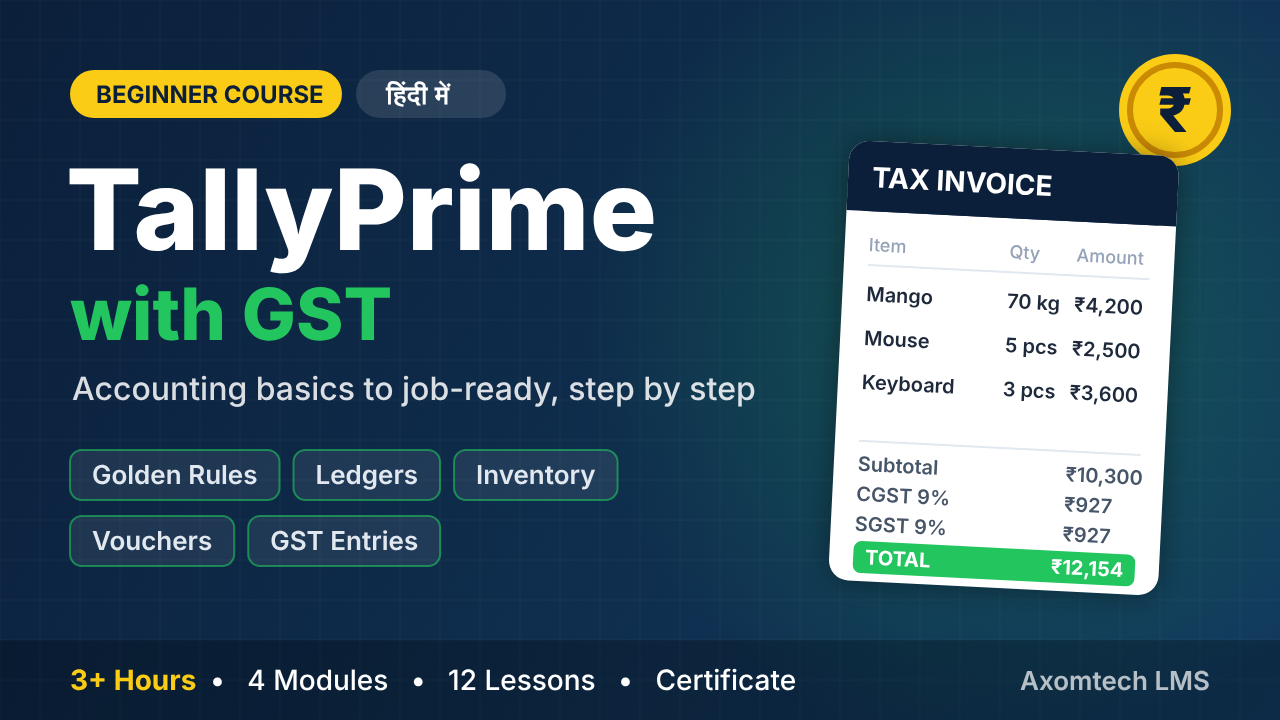
- 12 lessons · 3.3 hours
- Access for 365 days
- Learn on mobile & desktop
- Certificate of completion
- Language: Hindi
What you'll learn
- Explain basic accounting terms and apply the Golden Rules of accounting
- Write journal entries for common business transactions
- Create, back up, restore and password-protect a company in TallyPrime
- Create groups, ledgers and multiple ledgers at once
- Set up stock groups, categories, units, stock items and godowns
- Record purchases, sales, payments, receipts, contra and journal entries
- Handle purchase and sales returns with debit and credit notes
- Use optional, post-dated, reversing journal and memorandum vouchers
- Transfer stock between godowns
- Export reports to PDF, Excel, image and HTML
- Understand CGST, SGST and IGST and record GST transactions in TallyPrime
This course includes
Course content
4 modules · 12 lessons · 2 free previewsWho this course is for
Requirements
- A laptop or desktop computer
- TallyPrime installed
- Basic computer skills
- No prior accounting knowledge needed
Description
This beginner-friendly course teaches you TallyPrime, India's most widely used accounting software, step by step in Hindi. You will first build a strong foundation in accounting concepts, then apply them directly in TallyPrime with real business examples.
Course sections:
1. Accounting basics – trade, goods, services, assets, liabilities, income, expenses, capital, drawings, the three types of account, the Golden Rules and solved journal entries
2. Getting started in TallyPrime – licence options, creating, altering, selecting and deleting a company, backup and restore, shortcut keys, company password
3. Groups and ledgers – pre-defined groups, creating groups, single and multiple ledgers
4. Inventory masters – stock groups, categories, units, stock items and godowns
5. Vouchers – contra, payment, receipt, journal, sales, purchase, debit and credit notes, plus optional, post-dated, reversing journal and memorandum vouchers
6. Godowns and stock transfers
7. Exporting reports – PDF, Excel, image and HTML
8. GST – CGST, SGST, UTGST and IGST, enabling GST in TallyPrime and recording GST sales and purchases
By the end of the course you will be able to maintain the day-to-day accounts of a small business in TallyPrime.
Why learn with this course?
Free videos teach bits and pieces. This course takes you from start to finish, with help along the way.
Student reviews
Excellent course for beginner to Tally Prime
What happens after you enroll
Earn a verified certificate
- Issued automatically when you finish all lessons
- Unique code & QR that anyone can verify online
- Add it to LinkedIn or print it for interviews
Frequently asked questions
Start TallyPrime Basics with GST – Complete Beginner Course today
Learn practical skills you can use at work. Your first lesson can start in the next few minutes.

Have questions about this course?
Share your number and we'll call you to explain the syllabus, fees and schedule.