MS PowerPoint Complete Course (Hindi)
Learn every tab of PowerPoint step by step and create professional presentations with animations
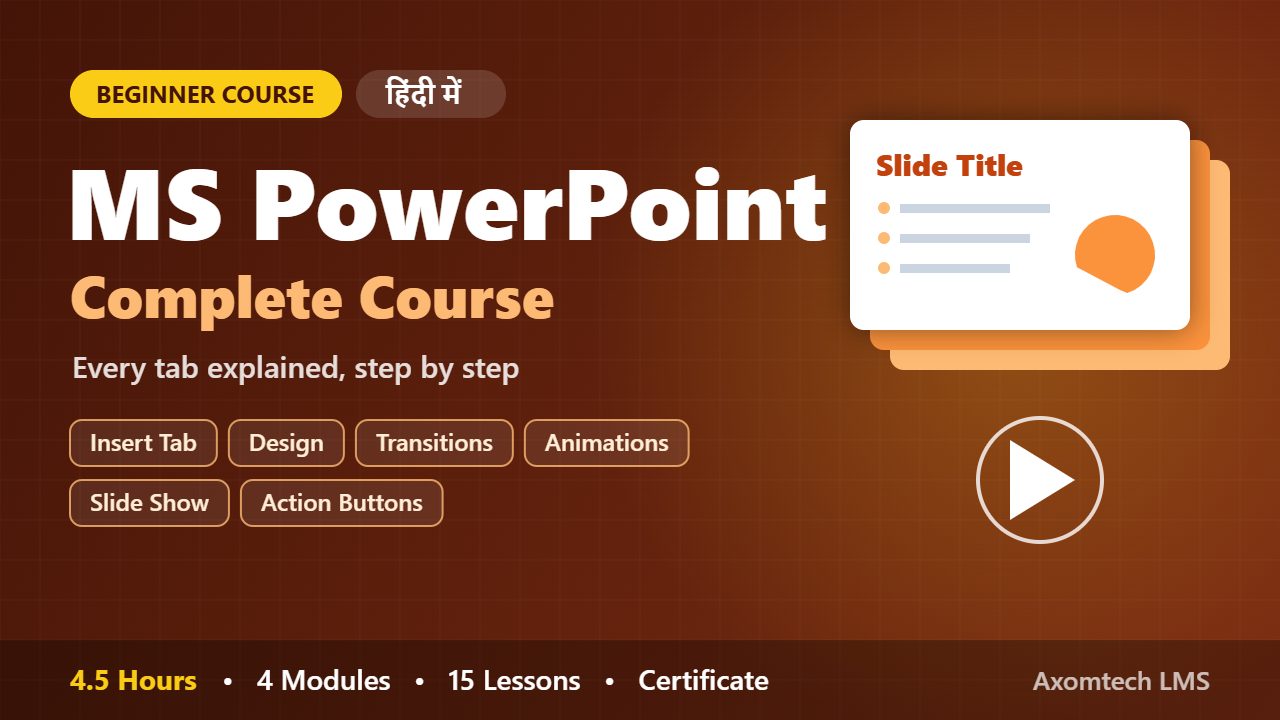
- 15 lessons · 4.5 hours
- Lifetime access
- Learn on mobile & desktop
- Certificate of completion
- Language: Hindi
What you'll learn
- Create, save, print and export presentations from the File tab
- Format text, paragraphs and shapes with the Home tab
- Insert tables, pictures, shapes, SmartArt, charts, audio and video
- Apply themes, variants and backgrounds with the Design tab
- Add slide transitions and custom animations with the right timing
- Run, rehearse and record slide shows
- Review, protect and view presentations, and work with slide masters
- Use action buttons to link and navigate between slides
This course includes
Course content
4 modules · 15 lessons · 2 free previewsWho this course is for
Requirements
- A laptop or desktop computer with Windows
- MS PowerPoint (2013 or later) installed
- Basic computer knowledge (using a mouse and keyboard)
Description
This course teaches Microsoft PowerPoint tab by tab, so you understand what every option does and when to use it. Each lecture is a practical, on-screen demonstration in Hindi.
Course modules:
1. File and Home Tabs – creating, saving, printing and exporting presentations, and formatting slides with the Home tab
2. Insert Tab – slides, tables, pictures, shapes, icons, SmartArt, charts, links, text boxes, symbols, audio and video
3. Transitions and Animations – slide transitions, and entrance, emphasis, exit and motion path animations with timing
4. Slide Show, Design, Review and View – running and recording slide shows, themes and backgrounds, reviewing and protecting presentations, views and slide masters, and action buttons
By the end of the course you will be able to create and present professional, animated presentations with confidence.
Why learn with this course?
Free videos teach bits and pieces. This course takes you from start to finish, with help along the way.
What happens after you enroll
Earn a verified certificate
- Issued automatically when you finish all lessons
- Unique code & QR that anyone can verify online
- Add it to LinkedIn or print it for interviews
Frequently asked questions
Start MS PowerPoint Complete Course (Hindi) today
Learn practical skills you can use at work. Your first lesson can start in the next few minutes.
Have questions about this course?
Share your number and we'll call you to explain the syllabus, fees and schedule.